Welcome to Drumline Designer
Today begins your new journey in Drumline Composition. Every feature designed in this app was made to make writing drumline music as painless as possible. No more having to worry about sound libraries, no more having to worry about $200 yearly subscriptions, everything is now laid out for you as easily as possible. Thank you for trusting Drumline Designer in being your vessel for drumline composition.
The Home Menu
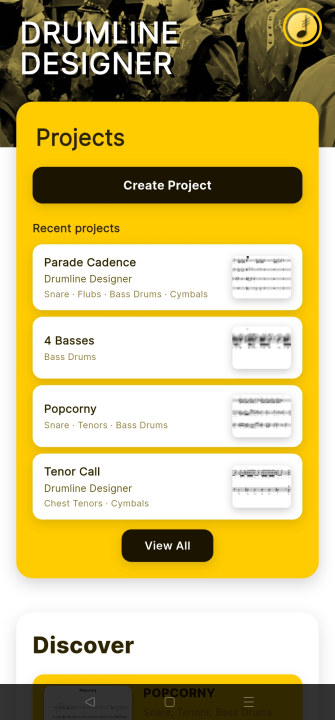
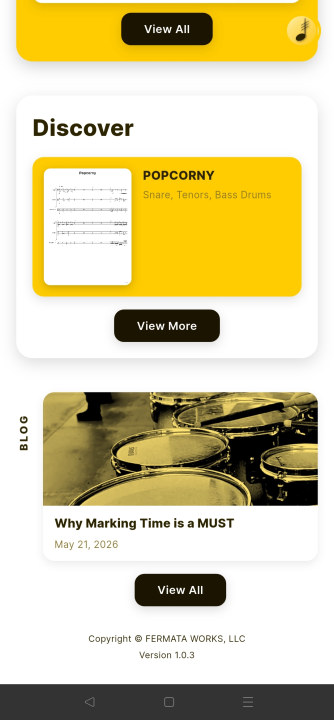
When you open the app you'll be greeted by the Home Menu. From the menu you have your account button in the top right corner, project card just under the title, discover section below that where you can see the most recently featured piece and browse more music, news right under that, recent blog posts, and then the copyright and version of the app.
Your account
Upon tapping the account button in the top right corner of the screen you'll be prompted to login with your email/username and password. If you do not have an account yet, you can register one for free.
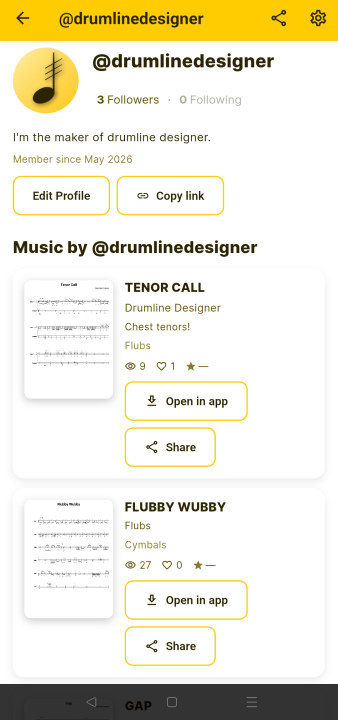
In your account page you can see your account info including username, image, first name, last name, followers, following, bio, how long you've been a member, buttons to edit and share your profile, as well as your pieces of music. You can download your music from here and edit them in the app.
Editing your account
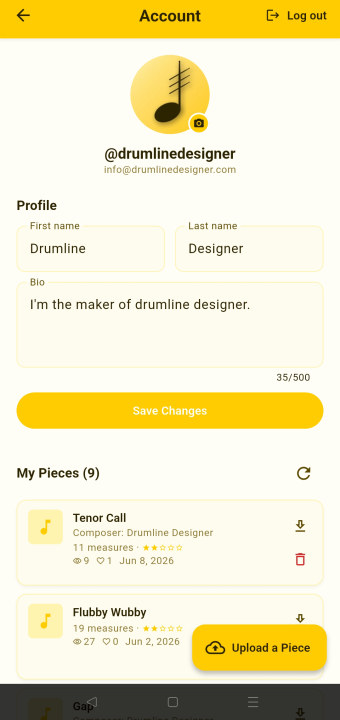
Once you click "Edit Profile" or the gear in the top right of the app, you are taken to a new screen where you can edit your account. From there you can update your first name, last name, profile image, and bio. You also can log out and see pieces you've uploaded to the website, having the option to download or delete them.
Creating Your First Project
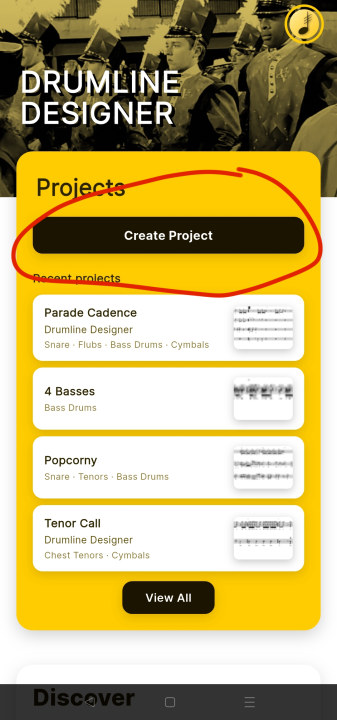
To create a new project, simply go to the menu and tap "Create Project."
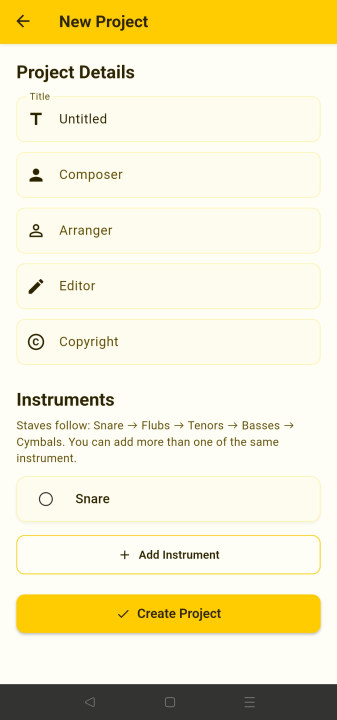
After creating a new project you'll be brought to the new project window. Inside the window you can enter project information including Title, Composer, Arranger, Editor and Copyright. Below that you can add/remove instruments. Drumline Designer puts instruments in the order that's shown, which is the standard for Drumlines.
Upon setting your project information and adding your instruments, you're all set to begin writing!